Tomas Egger
-
Posts
3517 -
Joined
-
Last visited
-
Days Won
20
Content Type
Profiles
Forums
Events
Everything posted by Tomas Egger
-
Ola Reuben! Hehe.. clear, understood :) Thanks Tom
-
Ola Reuben! We have EIAS 9 only in the download option, You dont have more your USB dongle? if yes, you will need to buy a replacement and you will pay $50.0 + Shipping and Handling. Thanks Tom
-
Ola Reuben!!! Here: http://www.eias3d.com/downloads/ Thanks Tom
-
Hehe.. Good idea Alex :) Thanks Tom
-
Ola, Take a look: http://www.idst-render.com/scenes.html Thanks Tom
-
Ola S, Good idea!! Thanks Tom
-
Ola, Chip Pedersen, a Bullet simulation Master just provided us with two new Bullet Sample Projects :) Enjoy them! https://vimeo.com/62306135 PIN WHEEL Project https://vimeo.com/62306134 CHAIN RINGS Project Thanks Tom
-
Ola Steven! Awesome renders :) Tell us about the Floor! Thanks Tom
-
Ola David, I like these ideas too :) We have a lot to do already :) Thanks Tom
-
Ola, “'Generate Shadow Mask†doesnt work with GI Sky light :( Thanks Tom
-
Ola Tango! No, this is not possible! The only way which you can loose a name in the layer is if its a Ubershape and inside the Ubershape, you have "auto name" turn on. Otherwise, it's not possible. Btw: Did you see in EIAS 9, you can copy the group name and paste in another layer? Thanks Tom
-
Ola, New Anti-Smoking campaign from David Wu :) http://www.eias3d.com/category/gallery/print-art/ Thanks Tom
-
Ola Ash! Hair is interesting :) Thanks Tom
-
Ola, Review online!! http://www.3dworldmag.com/2013/03/12/review-electric-image-animation-system-9-0/ Thanks Tom
-
Ola Ash! Simply Awesome!!! I want to post it :) Thanks a lot Tom
-
Ola Greg, Select a Light in the Project window, then Press first “Commandâ€, and second “V†together, then with both pressed, click in the Lights “gnomes†axis and choose, Y, Z or X and move with your mouse :) Btw: if you have a animation path, the entire path will move without any change, you can use in Multiple groups too. Thanks Tom
-

Northern Lights plugin development status update
Tomas Egger replied to Northern Lights's topic in EIAS Plug-ins and Shaders
Ola Blair, Thanks a lot for the updated info! and awesome news! Tom -
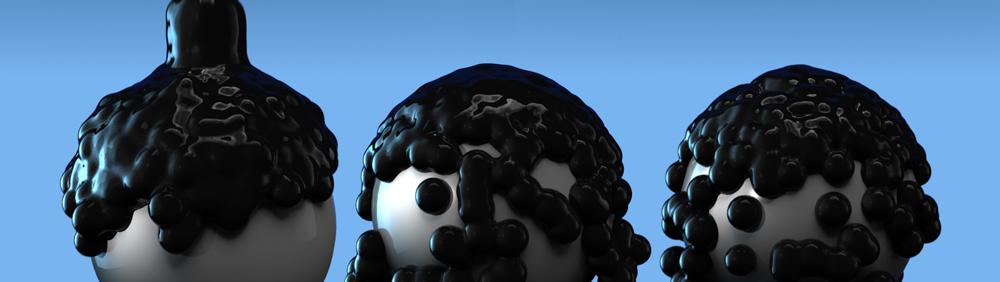
Available Konkeptoine updates for EIAS v9 BlobMaker 3.0 Plugin & Dew Shader We are announcing the BlobMaker 3.0 model plugin (32-bit and 64-bit). Its entire code-base has been rewritten, obsolete options have been removed, and new features have been added. BlobMaker can now simulate dew drops with its new gravity options. Therefore we have discontinued the separate Dew shader. All users of the Dew shader will receive BlobMaker 3.0 at no cost. An authorization code is required, so please request the new plugin and your code today. - BlobMaker 3.0 32/64 bits - Mail us More updates coming soon Thanks EIAS3D team

-
Available Konkeptoine updates for EIAS v9 - ReUnion Pack 32/64 bits - Mail us http://www.eias3d.com/products/konkeptoine-plugins/reunion/ More updates coming soon Thanks EIAS3D team
-
Ola, I didnt find it too. Thanks Tom
-
Ola Juanxer! I saw it! Im waiting a PDF to be posted :) Thanks Tom
-
Ola Mondo, Yes, lets add as a feature request.. Thanks Tom
-
Ola Felix.. You are right, but most probably, this is the “client†wish, Which dont like dirt in their product :) Thanks Tom
-
Ola Joseph, Go to Animator Menu Bar / Edit / Display / Effectors Increase the value in the slider. Thanks Tom
-
Ola, Photoreal renders: http://www.eias3d.com/category/gallery/electric-image-animation-system/ Thanks Tom