Tomas Egger
-
Posts
3517 -
Joined
-
Last visited
-
Days Won
20
Content Type
Profiles
Forums
Events
Everything posted by Tomas Egger
-
Ola, Contortionist, delete the Socket folder I sent in the zip file, probably is conflicting with yours and open the file again. Thanks Tom Ola, Here, a morph test.. please, look the example: Thanks Tom Morph.zip
-
Ola! You need to export separated all the 3 files and Import only the first one and after that add the morphing target over the imported one, select the final target model. I did another method which can help you, do you have Contortionist from Northernlights? Here the attached project, I did the coil spline in FormZ, imported in EIAS, used contortionist to deform a Ubershape Cylinder and added two deformations, one in the plugin with the same Bezier and another one in Ubershape cylinder to scale when the Coil Squash, Its a another solution which works too :) Play with the parameters, Its a bit exaggerated in the deforms values.. Coil.zip Thanks Tom Coil.mov
-
Ola! Here a simple project using deformations, but if you need a fully realistic deformation, you will need to maintain the volume of the coil spring, my suggestion is a morph, the coil in the both targets, stretched and deformed. Thanks Tom Coil.zip
-
Ola, Did you try a spline deformation? Thanks Tom
-
Ola Brian! I will check, but since we support it, It will need to work :) Thanks Tom
-
Ola! Nice options :) http://xfrog.com/category/samples.html Thanks Tom
-
Ola Felix! Thanks! A huge work was done :) Running to finish all changes. Thanks Tom
-
Ola! The same as EI9.0/9.1 (10.6.X), about graphics enhacements.. lets see ;) ;) thanks tom
-
Ola Brian! Yes, They are working.. :) Our goal is bring the more modern technology around and have more and more built-in tools :) Thanks Tom
-
Hey Kurt! Our focus in this upgrade was almost 95% Animator :) Lots of important requests which we all want :) and some surprises. Thanks Tom
-
Ola Paul! We are running like crazy.. I can't promise, but I always liked the idea :) Thanks Tom
-
Ola my friends, We are hurrying to finish the new version of EIAS. Most of the features are complete, awesome, and cool. The last complex feature for this version is almost complete, which means it is nearly time to start the cycle of BUG hunting, documentation, and optimization. EIAS is ready for Apple's Mac OS 10.12 Sierra operating system and Microsoft Windows 10 All of the features we planned for this version will be present on day one of release. We'll keep you informed so stay tuned for further updates. Newsletter October 2016 Thank you, The EIAS3D Team
-
- 3
-

-

-
Ola Mat. Sorry about that, Just msg me when you want. thanks tom
-
Ola Maher! Totally Agree! I only want to finish this beta build which we are doing! Became sooooooo complex! Everybody will understand why after the release! I have a newsletter done to release from months ago, I am really anxious to finish here, ideas are always welcome! Thanks Tom
-
Ola Viking! Did you watch them here? http://www.eias3d.com/category/video-tutorials/render/ glows: 1) do a selection set with your groups 2) add a master material with the glow feature slider changed and the color selected 3) in the world window / glow tab / add a layer and choose the glow groups selection set you did 4) with the selection set selected, change the glow Radius and intensity. dont forget to have glow check box enabled in the render window thanks tom
-
Ola! Glad it worked! We are working like nuts in the new upgrade :) Thanks Tom
-
Ola! its simple, the recent Windows OS have this problem, you need to run Animstor, Camera.. as Adminstrator. thats it thanks Tom
-
Ola Rory! When Photon density is higher the flicker disappear? Could you send me the collected project? Thanks Tom
-
Ola Kurt! Yes, we are soo busy finishing the new upgrade, we became too quiet! Whats happening right now, we are finishing our LATEST BIG FEATURE! which is really complex, as soon we finish it, we will release the build for our beta tester team, then start all libraries updates and finish the bug fixes.. the next upgrade is a lot more complex than 9.0/9.1. We are really happy with EIAS, I really want to see you and all user base very happy too. Thanks Tom
-

Camera settings not sticking using a Windows version
Tomas Egger replied to S. Houtzager's topic in EIAS General Forum
Ola Steven! is Camera Running as Administrator? new Windows OS is giving permissions problems. Thanks Tom -
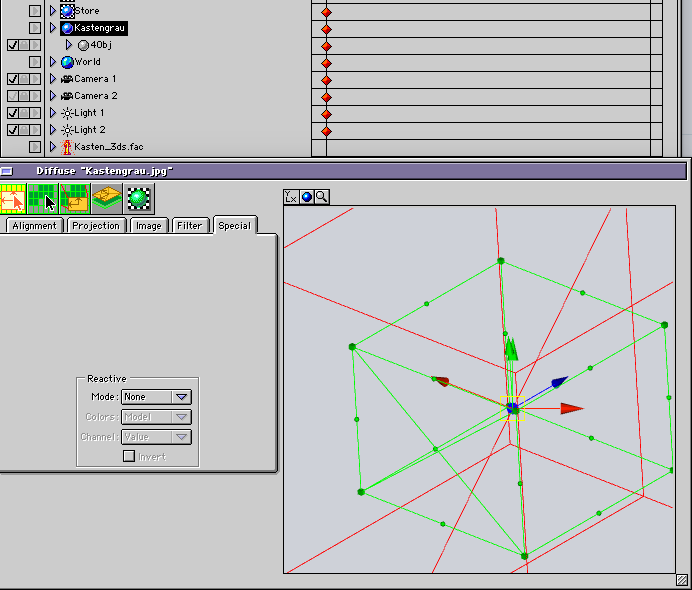
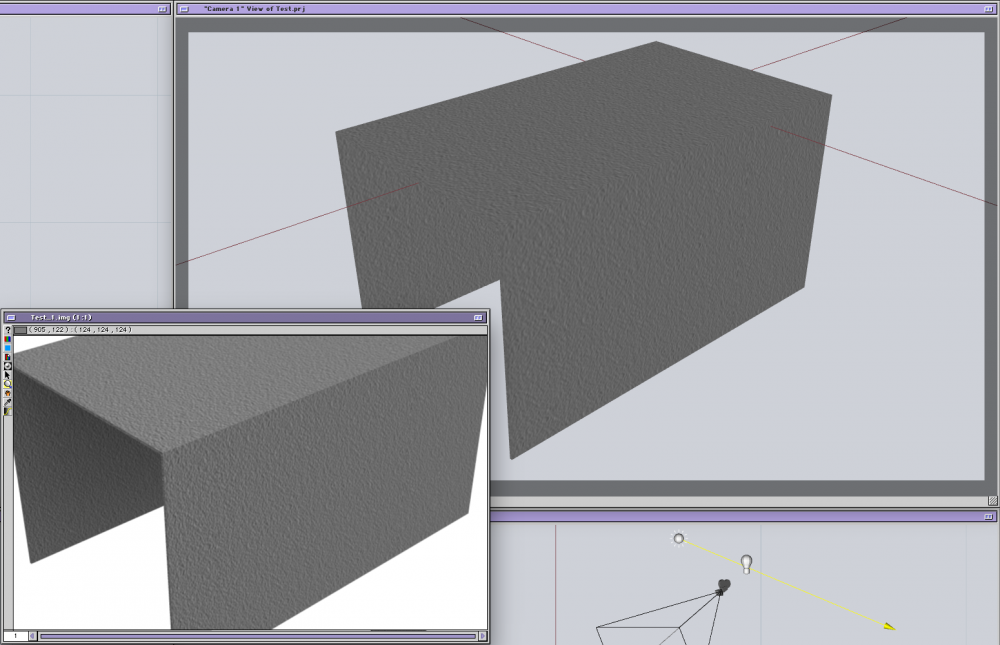
Ola Bernhard! Its simple, you are using a Master Material to add a texture in this particular group, when you use Master Materials in a series of groups, you can't preview the texture in the texture window. But Camera viewport shows your texture placement and render is correct. Hope that helps Thanks Tom
-
Ola Bernhard! Could you send me a simple collected proj with only the group which is having problems and the texture? tom@eias3d.com Thanks a lot Tom
-
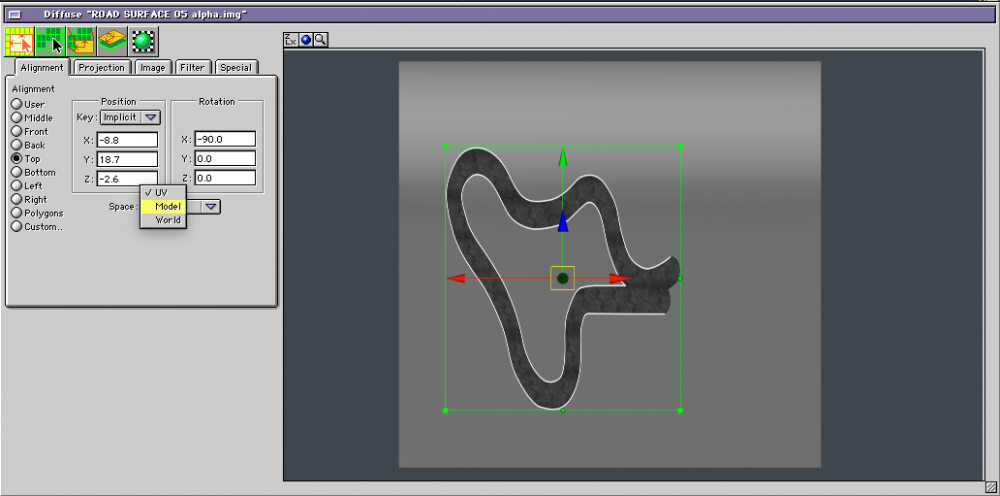
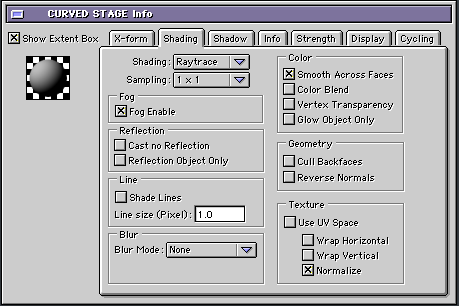
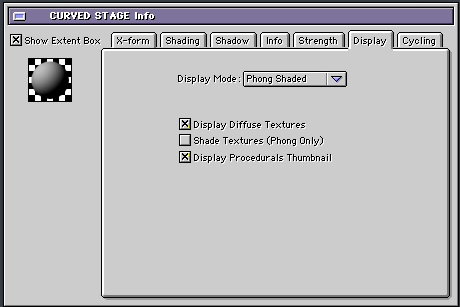
Ola Ber! You need to check a few things: 1) If your model is displaying the textures (EI 9.1 display 8 textures with blend modes and masks now per group) :) 2) If your group have UV enabled or not 3) In the text window, see if it is in Model or UV mode, UV use a special planar data stored in the model. Thanks Tom
-
Ola Joseph! I will try to find it ;) thanks tom
-
Ola! the workflow will be improved in our next upgrade ;) thanks tom