Tomas Egger
-
Posts
3517 -
Joined
-
Last visited
-
Days Won
20
Content Type
Profiles
Forums
Events
Everything posted by Tomas Egger
-
Ola Timmo, Did you see this one? Thanks Tom
-
Ola Apu, Great Tip :) Thanks Tom
-
Ola, Blender is a good combo with us :) Thanks Tom
-
Ola, They want to be production proof for sure, let's see what will happen. Thanks Tom
-
Ola, The main idea its interesting for sure :) Thanks Tom
-
Ola, I would like to change my home Mac Pro in the end of this year.. :) Thanks Tom
-

Adobe Illustrator import and extrude
Tomas Egger replied to Don_Macaroni's topic in EIAS General Forum
Ola, We are really happy to take care of EIAS ;) Thanks Tom -
Ola Dave, Thanks for the tip Tom :)
-
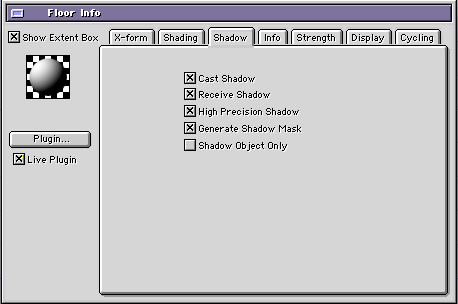
Ola Eric, The secret is in the group info window: Look my projects, if you want, change the color floor to be dark like your shadow. :) Project attached: Metal Ball - Shadow.zip Thanks Tom
-
Adobe Illustrator import and extrude
Tomas Egger replied to Don_Macaroni's topic in EIAS General Forum
Ola Don, I just sent you a private message :) Thanks Tom -
Ola Joe, Hehe.. Working Hard here and rendering Fast :) Thanks Tom
-
Ola Joe, I saw this morning, Modo plug-in price $199,00 Its a interesting engine, but right now, we are taking care of delicate changes in EIAS :) Thanks Tom
-
Ola Diego, Probably you are using a old build.. Send me your dongle in a private email. Thanks Tom
-
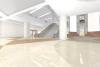
Ola Victor, In the Render Window / Render Tab / change the output gamma from 1.0 to 2.0 or maybe 1.8, the overall image will become “washedâ€, then in After Effects, you can use Curves to contrast the blacks (shadows) only. :) Gamma 1.8 If you are rendering directly from your local Camera (not Rama), you can select the render in your folder and use the finder “get info†command (mac) which you will see the render time. Thanks Tom
-
Ola Victor, Please, test a lot.. A still image is different than a Animation, so, have a big chance to need a lot more Primary rays in GI window. Thanks Tom
-
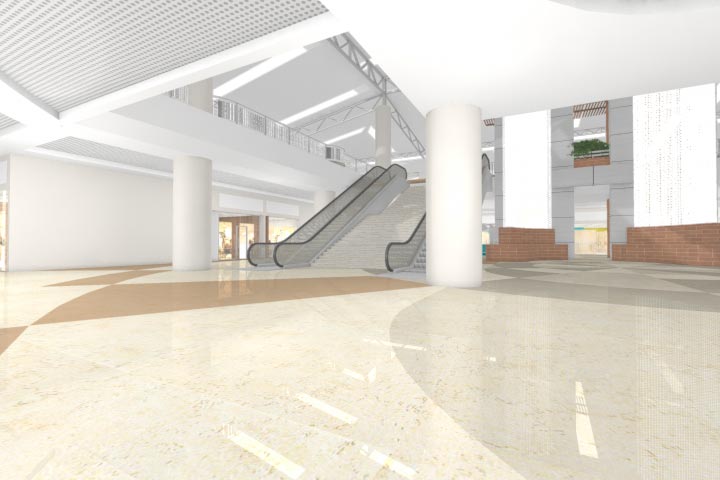
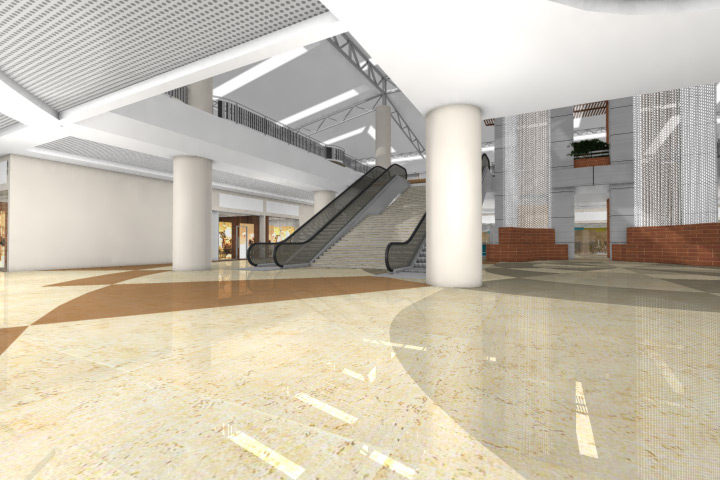
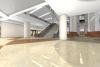
Ola my friend, Its here: Project: INT CENTRANORTEtom.zip The GI Window primary rays are really small, if you feel the animation is too blotch, increase the GI window Primary rays until you become happy. Right now, its renders in 5 minutes using one Camera. Thanks Tom
-
Ola Vic, Please, upload the final project in our FTP - Camera Bug Folder: http://www.eias3d.com/forums/showthread.php?tid=93 Im having problems with your project which you uploaded here. Thanks Tom
-
Ola Michael, I forgot to ask you a question!! These "frames pattern error" can mean a simple problem, one of your slave folders have old builds of Camera, Renderama Slave, Shaders or Plug-ins. Please, test it. Thanks Tom
-
Ola Michael and Scott, Scott, only our latest EIAS 8 installer with the dongle drivers provided inside it will be enough. Michael, in a few hours, I will be at office. Rama issue, if you restart Rama and slaves, delete the caches and .ccn in the problematic slaves, it will work again. Please, do a bug report about your Photons issue: http://www.eias3d.com/forums/tracker/ Thanks a lot Tom
-
Ola, Thanks Loon ;) Tom
-
Ola Vic, Why are you using dicer? Your Render time? Please, upload this project. Did you take a look in the thread which I posted earlier? Thanks Tom
-
Ola, Thanks Meester ;) Tom
-
Ola Vic, What are you using? Area Lights? Or Light Objects? Thanks Tom
-
Mondo Clouds for Intel Macs
Tomas Egger replied to interstellar's topic in EIAS Plug-ins and Shaders
Ola Blair, Thanks for the info ;) Tom -
Ola Vic, Did you try to play with my simple step by step Photons thread? http://www.eias3d.com/forums/topic/529-loving-these-photons/ Thanks Tom