Tomas Egger
-
Posts
3514 -
Joined
-
Last visited
-
Days Won
20
Content Type
Profiles
Forums
Events
Everything posted by Tomas Egger
-
Ola Vic, The tiles on the bathroom wall are real separated models, so, I only added Irradiance reflection. Thanks Tom
-
Ola Felix, Happy new Year!!!! Yes, its almost only Green Screen... I cant share the original plate, the user asked me :( Thanks Tom
-
Ola, A sample of scenes done with EIAS in Alcatraz TV show :) https://vimeo.com/57292084 https://vimeo.com/57292085 Thanks Tom
-
Ola Reuben! Welcome back :) Thanks Tom
-
Ola Scott, I dont know if I understood well, Do you want something like the end of this animation done in EIAS? Will Dempsey did it. https://vimeo.com/13344322 Thanks Tom
-
Ola Diego! I would do several lines of energy in After Effects and use as sprites “planes†in EIAS to have a more 3D look. Thanks Tom
-
Ola Diego, Only in the Kitchen image, all the others, I choose some specific textures to control. Thanks Tom
-
Ola Vic, I work with Gamma and the new Texture Filter shader to do renders like these ones in EIAS 9, all these renders are Photons + Irradiance: http://www.eias3d.com/wp-content/uploads/2012/10/17_10_v3.jpg http://www.eias3d.com/wp-content/uploads/2012/10/BATH-v2_v3.jpg http://www.eias3d.com/wp-content/uploads/2012/10/02_11_v3.jpg http://www.eias3d.com/wp-content/uploads/2012/10/09_13_v3.jpg http://www.eias3d.com/wp-content/uploads/2012/10/07_15_v3.jpg Thanks Tom
-
Ola Vic, They work the same, but I really prefer the OSX operational system with EIAS. Thanks Tom
-
Hey Steven!! Really well done!!! Happy new year my friend :) Thanks Tom
-
Ola Vic, Camera will share the memory across the cores, sure, if you have more memory, you will be able to render more with Camera 64. :) Thanks Tom
- 1 reply
-
- 1
-

-
Ola S!! Happy Holidays!! We are really happy with our v9 release! Lets work hard even more.. Thanks EIAS3D team
-
Ola Diego! I liked :) Thanks Tom
-
Ola Dieguito! Awesome work as always :) Thanks Tom
-

realflow plugin for eias code request
Tomas Egger replied to andygraph's topic in EIAS General Forum
Ola Andy! You can reach Blair in this email too: Blair Burtan - info@northernlightstactical.com Thanks Tom -
Ola Enrique! Awesome work ;() Thanks Tom
-
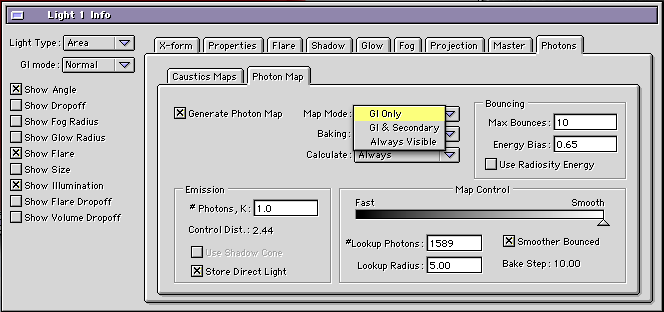
Ola Dan, Thanks, I mean “problemsâ€, when I said, its because I dont see a plain reflection using “GI & Photons†without shadows, I dont know if it will be possible to have it again, since Irradiance is in the core code of Camera 9 now. About the EIAS 8 project opened in EIAS 9, I only changed in the Photons Tab / Map Mode from GI & Secondary to GI Only, (thats all) - GI Only means = Photons is using Irradiance now. Original EIAS 8 project attached: GI_AreaL+Phot+Cust+Reflex_EI8.zip Thanks Tom
-
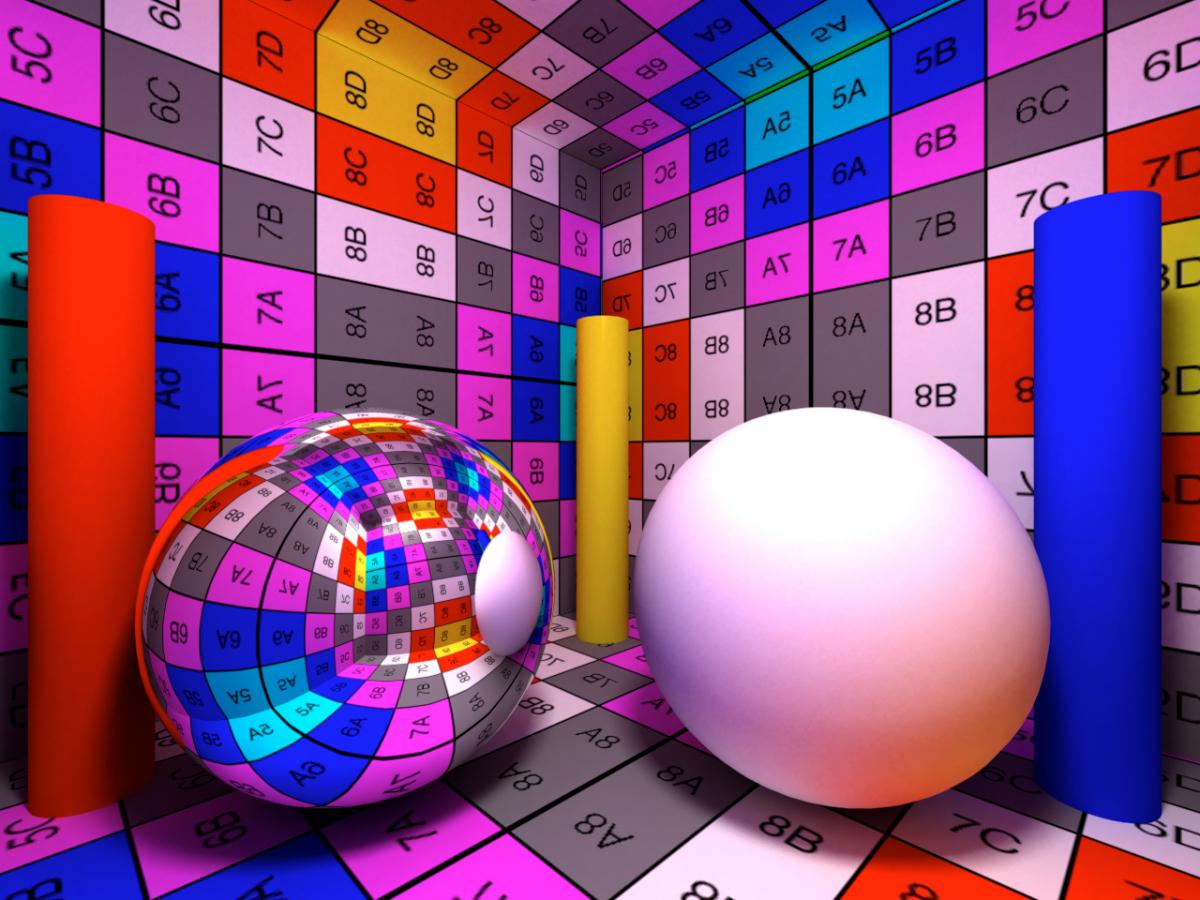
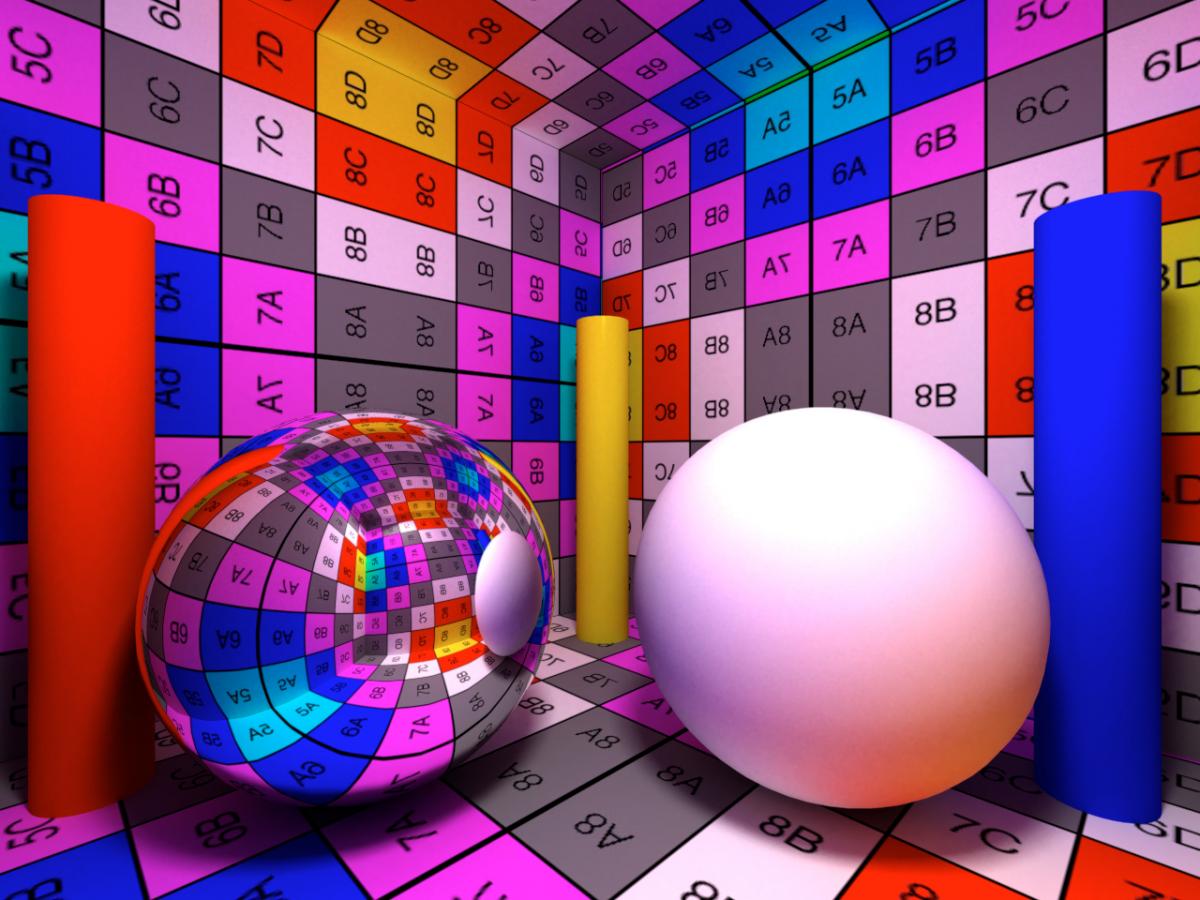
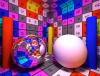
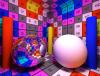
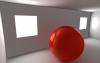
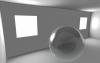
Ola, Irradiance cache on EIAS 9 bring to us more photorealism, it add a important detail, using it, we can see correct shadows and bounced lights in the reflections of our materials. Please, download both images and open them in Photoshop or EIAS, then change from one to another to compare. Thanks Tom
-
Ola Dan, I just opened the original EIAS 8 projects and I rendered them with EIAS 9, projects attached, the main change is the Irradiance cache which add “shadows†in the reflections, which are more realistic, but Photons in GI & Secondary mode are using Irradiance too which was not happening in EIAS 8, in the next Camera cycle, we will take a look. Sorry, EIAS 9 doesnt produce worse looking Images, I cant reproduce the new EIAS 9 renders with EIAS 8. EIAS 9 renders The new Photon lessons render projects I uploaded for EIAS 9 was not supposed to be the same as EIAS 8, I tweaked and played a bit. And we dont need to do any “Bruta-Forceâ€, EIAS 9 is a really faster render engine. Raytracing.zip If you want, I can point a few problems which we had in the EIAS 8 renders using Photons which you posted, I did this project :) Hope that helps Thanks Tom
-
Ola! Fixed now :) Thanks Tom
-
Ola, We just found, the problems were here in the forum, on 13 threads. Everything cleaned, lets wait Google now! Thanks Tom
-
Ola, Google thought our Back-up system (Cloud flare) is a Hack, we contacted them this morning! we are waiting the answer! Arghh!! Thanks Tom
-
Ola Vic! You cant save, cant use 3rd party Plug-ins/Shaders, cant render animations and cant use Rama. Thanks Tom
-
HiDynamic Productions is the source for 3d environments created for offline rendering and interactive real-time applications. New Partner - HiDynamic Productions - Website HiDynamic Productions Free scene - Link Thanks EIAS3D team
-
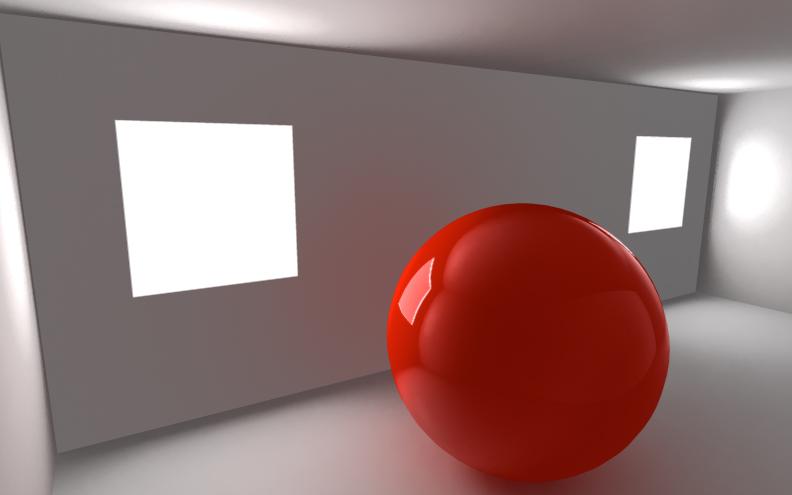
Ola Vic! Nice, EIAS 9 have new interesting tricks to light and make the renders more and more realistic. These are direct renders from Camera: Camera 9 Any doubt, feel free to message me.. Thanks Tom