Tomas Egger
-
Posts
3514 -
Joined
-
Last visited
-
Days Won
20
Content Type
Profiles
Forums
Events
Everything posted by Tomas Egger
-
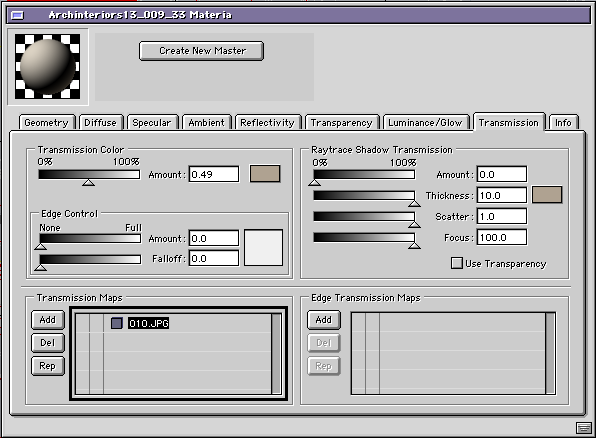
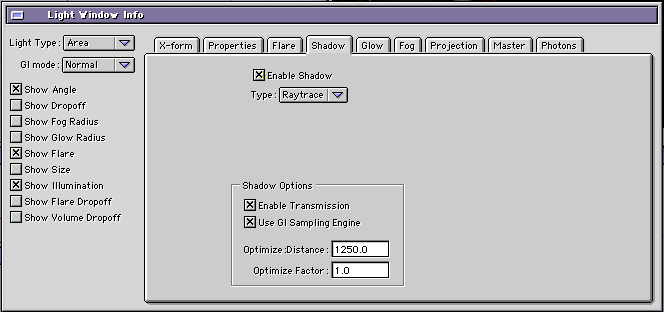
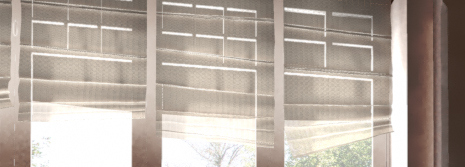
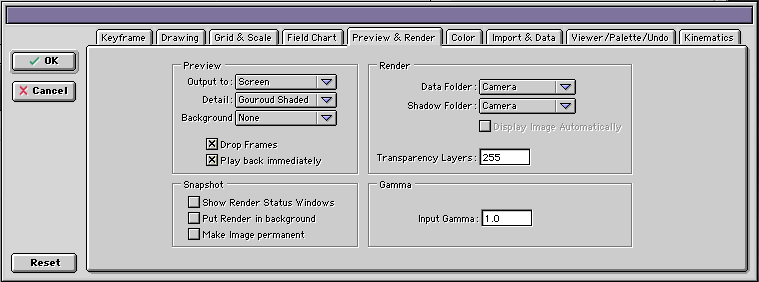
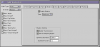
Ola Steve, You will need to enable “Transmission†material in Cloth and in your Light :) Take a look: - Material Window - Light Window - Render Thanks Tom
-
Ola Diego, Good point, I forgot about Stereo Snap shot which doesnt appear. Thanks Tom
-
Ola Maher, Reset the prefs settings and see what happen. Msg me Thanks Tom
-
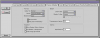
Ola, Do you have these options in your prefs? Thanks Tom
-
Ola Maher, Im out of home, Please, take a look if exist in the preferences window a check box to show "snap shots". Otherwise, I will need to think more, I'm running OSX 10.6.7 in several machines without problems. Thanks Tom
-

Ei Camera, Renderfarms and Hyper threading
Tomas Egger replied to meester smeeth's topic in EIAS General Forum
Ola, Sure, if you have 3 Ramas running in different Machines and the 24 cores slave Machine have 3 Slave folders each one which a different IP end address (e.g. :1616, :1617, :1618), each Rama will pick one of them which is enabled in the RAMA UI. (each Camera will be enabled to run only 8 cores) Thanks Tom -
Ei Camera, Renderfarms and Hyper threading
Tomas Egger replied to meester smeeth's topic in EIAS General Forum
Ola, Do you mean using 3 Cameras 9 with 8 cores each in a 24 cores total? But since you will have one Rama in the command, is it not better have each of your projects using all 24 cores? using only more or less the 6GB of ram? Please, explain me better what you would like to do. Thanks Tom -
Ei Camera, Renderfarms and Hyper threading
Tomas Egger replied to meester smeeth's topic in EIAS General Forum
Ola, The amount of Ram is related with the complexity of scene only :) Camera 9 memory management is totally new, need less Ram. So, a scene with 15 million polys and GI + Photons (1920x1080) will need more or less 6GB RAM. Thanks Tom -
Ei Camera, Renderfarms and Hyper threading
Tomas Egger replied to meester smeeth's topic in EIAS General Forum
Ola, Im not running the new machines, but I will want to test for sure.. EIAS 9 is totally ready for Multi-processors :) so, Camera 9 can see 24 processors for example. Thanks Tom -
Ola, Fun test btw :) Thanks Tom
-
Ola, If you drag them to Animator Icon, they will be imported in the correct sequence :) “Imported series of FACT files (for cycle groups) are now added in order sorted by their file names.†Thanks Tom
-
Ola Maher, Diego is doing a wonderful work with 3D and blue-rays.. lets wait him. Thanks Tom
-
Ola, Lets see what will happen with EIAS 9 :) Thanks Tom
-
Ola Frank, Thanks a lot.. Tom
-
Ola Joseph, Right now, C4d Studio (Mograph is totally bullet based) and Modo just added as plug-in. LW announced, but they delayed their release, I just saw Carrara release, they use the same. We need to study it deeply in the future, lets see, we cant stop what we are doing.. :) Thanks Tom
-
Car - Contour reflection/white card
Tomas Egger replied to millerblaine's topic in EIAS General Forum
Ola Miller, The simple Project: Car Reflection Render.zip Yes, I used Ubershape planes, full luminance 100% (Hard reflections), smooth reflections (all maps, Diffuse tab and Transparency tab enabled, if you disable Transparency map, like I did in the Car render, you will have a extra Black reflection in the windows). Hope that helps, Its a pleasure. Thanks Tom -
Car - Contour reflection/white card
Tomas Egger replied to millerblaine's topic in EIAS General Forum
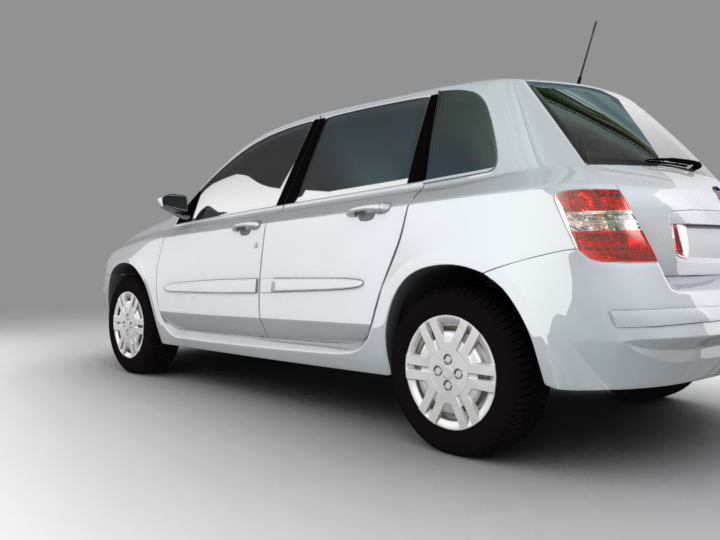
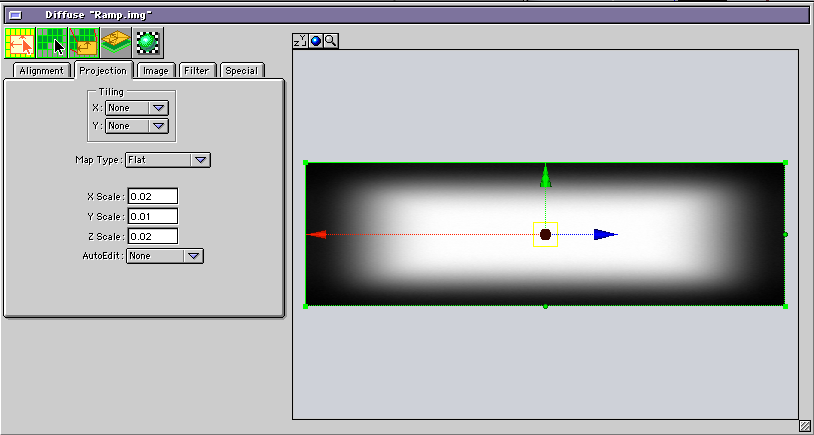
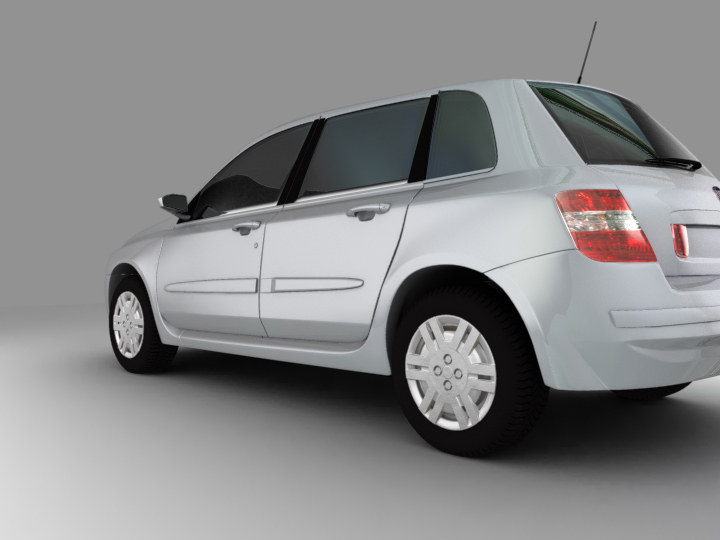
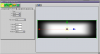
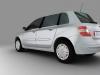
Ola Miller, Car renders are not in my skills :) But I tried to do a simple test here: - First, full laminate planes: - Second, planes with Ramp grades (.img) Ramp used, it was applied in the Plane Diffuse channel without transparency, Probably using Alpha on the this same map can help to avoid some extra and not desired black reflection: The trick I heard once to have beautiful reflections, they need to be designed in the Ramp maps. Hope this help Thanks Tom
-
Ola Kaz, Welcome my friend :) Thanks Tom
-
Ola, Lets update our Benchmarks?? http://eias.groothuis.com/ We will take care of the old links and Benchmark files asap. Thanks a lot Hans and Bert :) Tom
-
Ola Frank, Will be great to see it :) Did you ever tried Blender / EIAS with MDD? (I know it doesn't work with fluids). Thanks Tom
-
Hey Frankg, Do you have time to do a video tutorial showing Blender / EIAS combo with fluids? Thanks Tom
-
Ola Scott, Great you found the problem, a simple new NPR Full build :) Thanks Tom
-
Ola Timmo, Did you see this one? Thanks Tom
-
Ola Apu, Great Tip :) Thanks Tom
-
Ola, Blender is a good combo with us :) Thanks Tom